
Can You Transfer FC Points from EA FC 26 to FC 27? How It Works
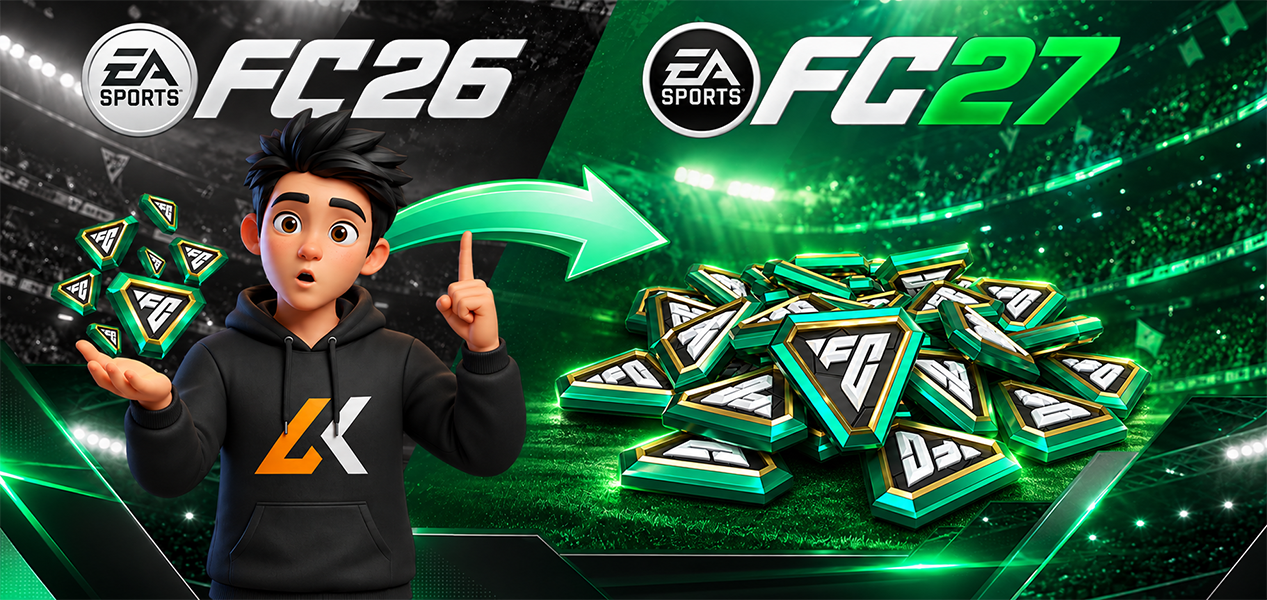
Yes, FC Points can be transferred from EA SPORTS FC 26 to EA SPORTS FC 27. Players using FC 27 during early access are seeing a one-time transfer prompt when launching the new game. Before accepting it, make sure your FC 26 Points balance is correct and fully loaded, because current player reports show that missing or unsynced Points can cause problems after the transfer has already been used.
Published: September 22, 2026
Last updated: September 22, 2026
FC Points Can Transfer from FC 26 to FC 27
EA SPORTS FC 27 players are currently being presented with a one-time option to move their remaining FC Points from EA SPORTS FC 26 into FC 27.
This is now happening during FC 27 early access, which began on September 18, 2026 for Ultimate Edition and Ultimate Plus Edition players. The worldwide launch follows on September 25. EA confirms those release dates in its official FC 27 edition and release guide.
If you're following the new release or comparing available FC 27 products, you can also browse the EA SPORTS FC collection on Livecards.net.
How to Transfer FC Points from FC 26 to FC 27
The safest process based on the transfer prompt currently appearing for FC 27 players is:
• Step 1: Open EA SPORTS FC 26 first and check that your full FC Points balance is visible.
• Step 2: Make a note or screenshot of the FC 26 balance before doing anything else.
• Step 3: Launch EA SPORTS FC 27 on your console or PC.
• Step 4: Look for the FC Points transfer prompt.
• Step 5: Check the information carefully before confirming the transfer.
• Step 6: After accepting it, check your FC 27 balance and confirm that the expected Points arrived.
The most important step is the first one. Do not assume newly purchased or recently credited FC Points are ready to transfer until you can actually see them in FC 26.
Why You Should Check FC 26 Before Transferring
There is already an early-access report on EA's official forums involving a player who purchased 12,000 FC Points for FC 26 but launched FC 27 before opening FC 26 and confirming that the new Points had loaded.
According to that report, only the player's existing 1,000 FC Points moved during the one-time transfer. The newly purchased 12,000 Points appeared in FC 26 afterwards, leaving them behind after the transfer had already been used.
This is a player-reported issue rather than an official EA rule, but it highlights an important precaution: make sure every FC Point you expect to transfer is visible in FC 26 before accepting the FC 27 prompt.
You can view the reported FC Points sync issue on the EA Forums.
The Transfer Should Be Treated as a One-Time Action
FC 27 users are currently describing the prompt as a one-time FC Points transfer, and EA used the same one-time system for the previous FC 25 to FC 26 migration.
Under EA's official FC 25 to FC 26 rules, players received the transfer option when they first logged into the new game on console or PC. Once the Points were moved, the transfer was permanent and could not be reversed.
EA has not yet published an equivalent dedicated FC 26 to FC 27 support page, so players should avoid assuming every previous-year rule is unchanged. Until EA publishes that documentation, the safest approach is to treat the FC 27 transfer prompt carefully and only confirm it once your FC 26 balance is correct.
EA's previous transfer rules can still be viewed in its official FC 25 to FC 26 transfer guide.
Can You Transfer FC Points Using the Web App or Companion App?
For the previous FC 25 to FC 26 transfer, EA specifically required players to perform the transfer through the full game on console or PC. It could not be initiated through the Ultimate Team Web App or Companion App.
EA has not yet published a dedicated FC 26 to FC 27 transfer article confirming whether that exact restriction is unchanged.
However, the current transfer reports involve the prompt appearing after players launch FC 27 itself. For that reason, the safest method is to use the full FC 27 game rather than relying on the Web App or Companion App to move the balance.
The FC 27 Web App went live on September 16 and the Companion App on September 17, according to EA's current Web and Companion App guide.
What About PlayStation, Xbox and PC?
EA's previous FC Points migration rules only allowed Points to move within the same console family.
For example, EA allowed an FC 25 balance to move from Xbox One to Xbox Series X|S, but not from Xbox to PlayStation.
Because EA has not yet published the FC 26 to FC 27 rules in the same level of detail, players should not assume that cross-platform FC Points transfers are supported.
If you have changed from PlayStation to Xbox, Xbox to PlayStation, or another platform combination between FC 26 and FC 27, wait for EA's FC 27-specific guidance before relying on the transfer.
FC 27 Edition Points and Transferred FC 26 Points Are Different
FC Points included with an FC 27 edition are separate from any balance you bring over from FC 26.
The first eligible edition grant is provided when you first log into FC 27, followed by later scheduled drops. These are FC 27 edition benefits and should not be confused with your leftover FC 26 balance.
If the number you see after transferring looks unexpected, check whether you are comparing:
• Your transferred FC 26 balance
• Your first FC 27 edition FC Points grant
• Any FC Points already spent in FC 27
EA explains its FC 27 edition grants in the official FC 27 pre-order and rewards guide.
What to Do Before Pressing Transfer
Because the FC Points move should be treated as a one-time action, take a minute to check everything first.
On mobile, swipe left to compare all columns.
| Check | Why It Matters |
|---|---|
| Open FC 26 | Confirm your Points have actually loaded into the old game before transferring. |
| Check the balance | Know exactly how many FC Points you expect to move. |
| Take a screenshot | Useful evidence if your balance is incorrect after transferring. |
| Check your platform | Do not assume cross-platform transfers work without FC 27-specific confirmation from EA. |
| Read the transfer prompt | Do not rush through the message when you first launch FC 27. |
| Check FC 27 afterwards | Confirm the expected balance arrived before spending Points. |
What If Your FC Points Did Not Transfer Correctly?
Some FC 27 early-access users are already reporting missing or partially transferred FC Points on EA's official forums.
For example, one report describes a player with 5,700 FC Points in FC 26 who accepted the FC 27 transfer but says only part of that balance arrived alongside the Points included with their FC 27 edition.
These are individual player reports and do not establish that there is a platform-wide transfer problem. However, if your balance is wrong, avoid spending the remaining Points until you have documented what happened.
Useful evidence can include:
• Your FC 26 FC Points balance
• Your FC 27 balance immediately after transferring
• Purchase receipts for recently bought Points
• Your platform and EA Account details
• Screenshots of any transfer or error message
Then check EA Help or the FC 27 technical and bug-report forums for an existing issue before opening a new case.
Buying FC Points After Moving to FC 27
If you have already completed the transfer and need additional Points for FC 27, make sure you select the correct game, platform and region before purchasing.
You can browse available EA SPORTS FC Points on Livecards.net.
Do not buy FC 26 Points simply because you expect to transfer them afterwards. The migration is intended for an existing balance, and using the one-time transfer before newly purchased Points have loaded can create problems, as current player reports demonstrate.
FC Points Transfer: What We Know Right Now
| Question | Current Answer |
|---|---|
| Can FC 26 Points move to FC 27? | Yes. FC 27 players are currently receiving a transfer prompt. |
| Is it a one-time transfer? | Current player reports describe it as a one-time transfer, consistent with EA's previous system. |
| Should you check FC 26 first? | Yes. Make sure the full expected balance is visible before transferring. |
| Can you initiate it in the Web App? | EA has not published an FC 27-specific transfer guide. The previous system required the console or PC game. |
| Can you switch platform families? | Not confirmed for FC 27. EA's previous rules did not support cross-family transfers. |
| Are there early transfer issues? | Some individual players have reported missing or partial balances on the EA Forums. |
Frequently Asked Questions
Should I spend my FC 26 Points before moving to FC 27?
Not necessarily. If you want to use the remaining balance in FC 27, the current transfer prompt gives eligible players an opportunity to move it. The important part is making sure the full balance is visible in FC 26 before accepting the transfer.
What should I do if I bought FC Points shortly before transferring?
Open FC 26 first and confirm that the new Points are visible in your balance. Do not rely only on a purchase confirmation. A current FC 27 forum report describes newly purchased Points appearing in FC 26 only after the player had already used the one-time transfer.
Why does my FC 27 balance include more Points than I transferred?
If you own an eligible FC 27 edition, your balance may also include an FC Points grant from that edition. EA says Ultimate Edition and Ultimate Plus Edition Points are delivered in scheduled drops beginning when eligible players first log in.
What should I do if only part of my FC 26 balance arrived?
Take screenshots of both balances, keep any purchase receipts and avoid spending the disputed Points while you check EA Help and the FC 27 bug-report forums. Some early-access players have reported partial transfers, although these reports do not confirm a system-wide issue.
Will the transfer option stay available forever?
EA has not yet published a dedicated FC 26 to FC 27 transfer guide confirming the full deadline or availability window. If you plan to transfer Points, check current EA guidance rather than assuming the prompt will remain indefinitely.
Are transferred FC Points the same as FUT Coins?
No. FC Points and FUT Coins are different currencies. This guide is specifically about moving an FC Points balance between FC 26 and FC 27.
What to Remember
FC Points can currently be transferred from EA SPORTS FC 26 to EA SPORTS FC 27, but players should treat the process carefully because it uses a one-time transfer prompt.
Before accepting it, open FC 26, confirm that every Point you expect is actually visible, record your balance and then launch FC 27. This is especially important if you recently purchased additional Points.
EA has not yet released its full FC 26 to FC 27 transfer documentation, so previous rules around platform families, reversibility and Web App transfers should not automatically be treated as confirmed FC 27 rules until EA publishes them.
If you need additional Points after moving to the new game, browse FC Points or explore more EA SPORTS FC products on Livecards.net.
You can also check our Latest Releases for other recently released games.





 Attenzione!



